User Role
The Edit User feature allows administrators to update user information and modify user roles within a team.Through this interface, administrators can manage permissions and ensure that team members have the appropriate access level.
Edit User Role
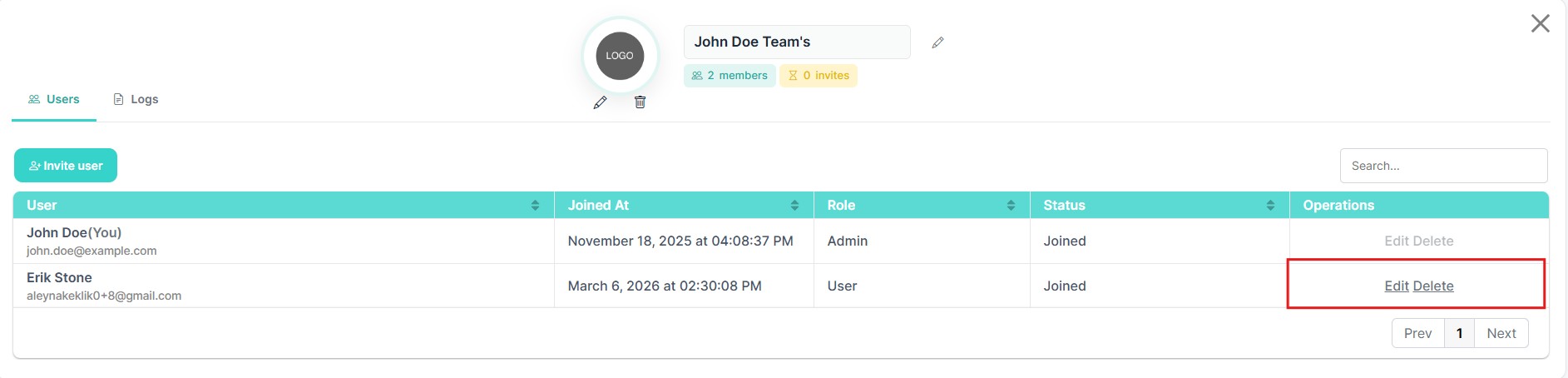
To edit a user's information or role:
- Navigate to the Users section in the Team management panel.
- Locate the user in the user list.
- Click the Edit option in the Operations column.
This action opens the Edit User modal, where the selected user’s information can be updated.
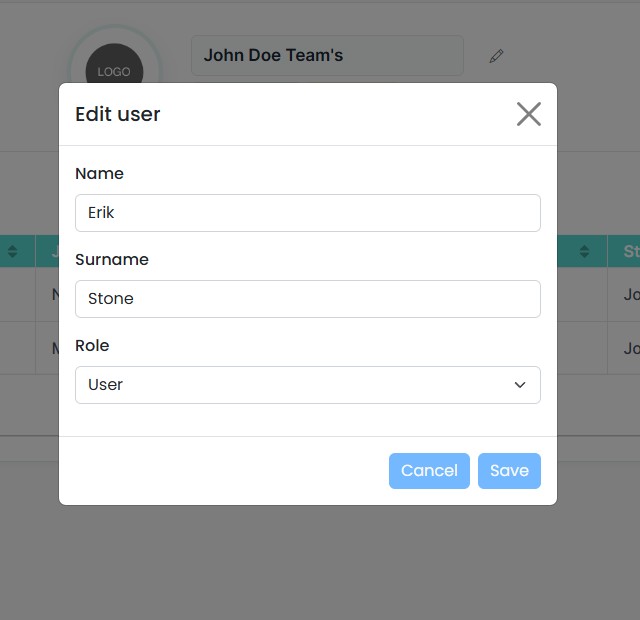
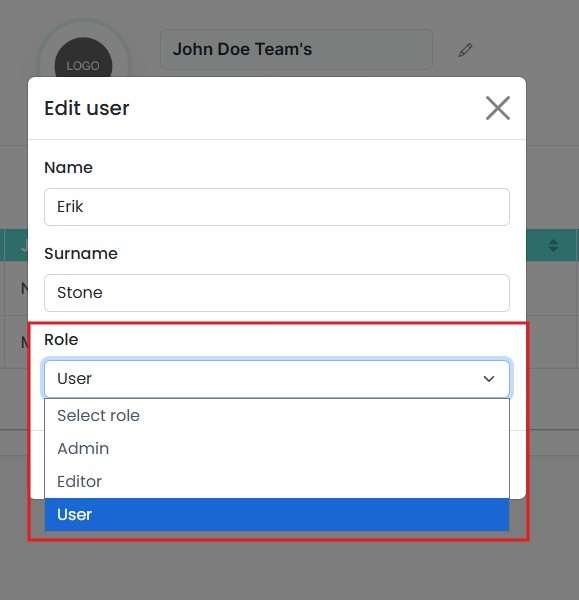
User roles define the permission levels of team members within the workspace. The system supports three roles:
- Admin – Has full control over the workspace, including managing users and all resources such as items, spaces, and shipments.
- Editor – Can create, edit, and delete all items, spaces, and shipments.
- User – Has limited access; can add items and edit their own items, but cannot create spaces or manage other workspace resources.