Team Management
The Team Management section allows administrators to manage workspace members, invite new users, and control team access. This feature enables multiple users to collaborate within the same CargoLoader workspace.Through this interface, administrators can invite members, monitor invitation status, and manage existing users. Within the workspace, Editors have extended permissions, allowing them to create, edit, and delete all Items, Spaces, and Shipments. Standard users, on the other hand, can add new Items and edit only the Items they have created, but they do not have permission to create Spaces.
To access the team management interface, click the Team tab in the top navigation bar.The Team page provides an overview of the current team, including members, invitations, and management options.

Team Overview
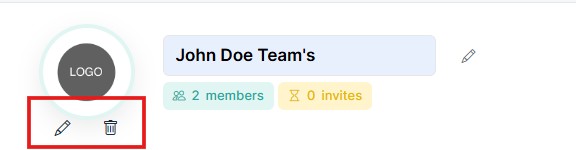
At the top of the page, the Team Profile panel displays general information about the current team.This panel includes:
- Team logo
- Team name
- Number of nembers
- Number of pending invitations
Administrators can update the team name or logo using the edit icons.
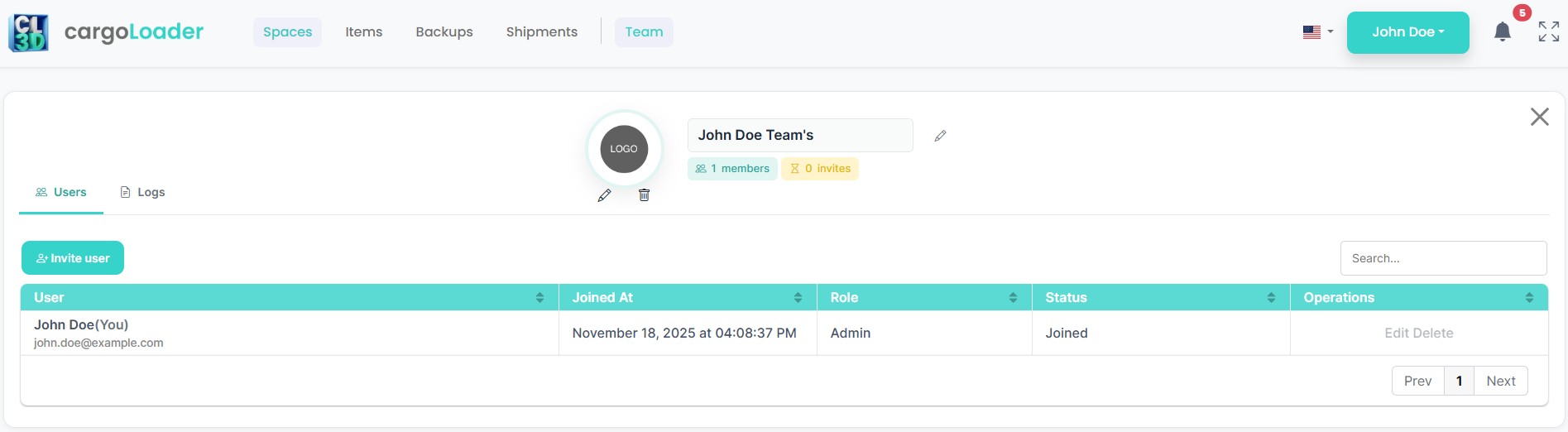
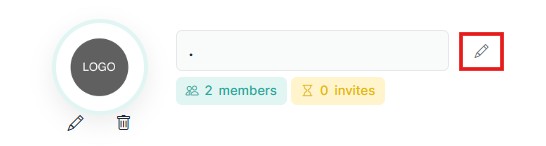
To change the team name, click the edit icon next to the team name.
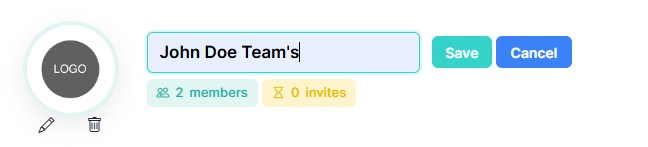
After clicking the icon, the name field becomes editable.Enter the new team name and click Save to confirm or Cancel to discard the changes.
The team logo can also be managed from this section.