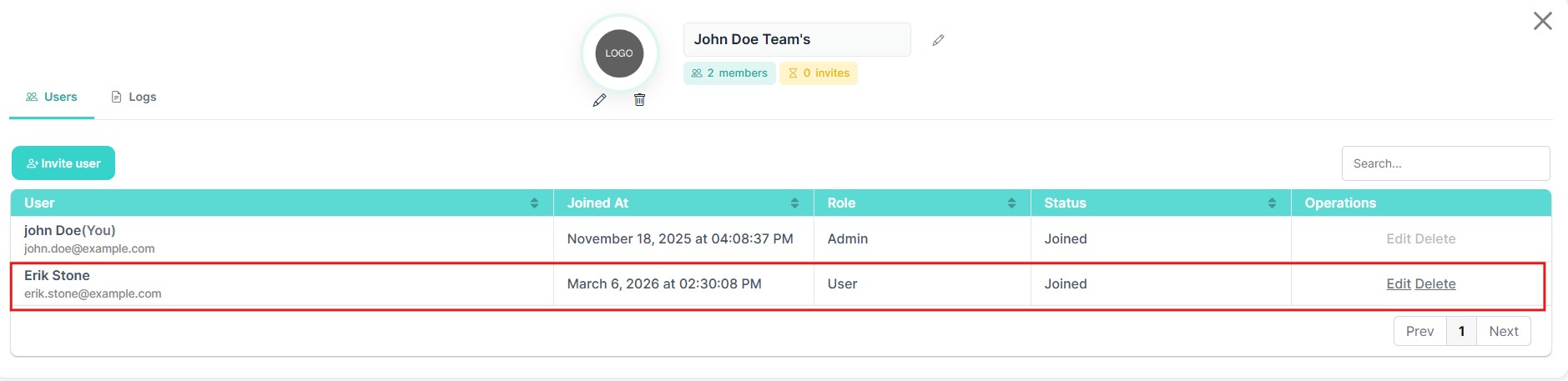
Inviting a New User
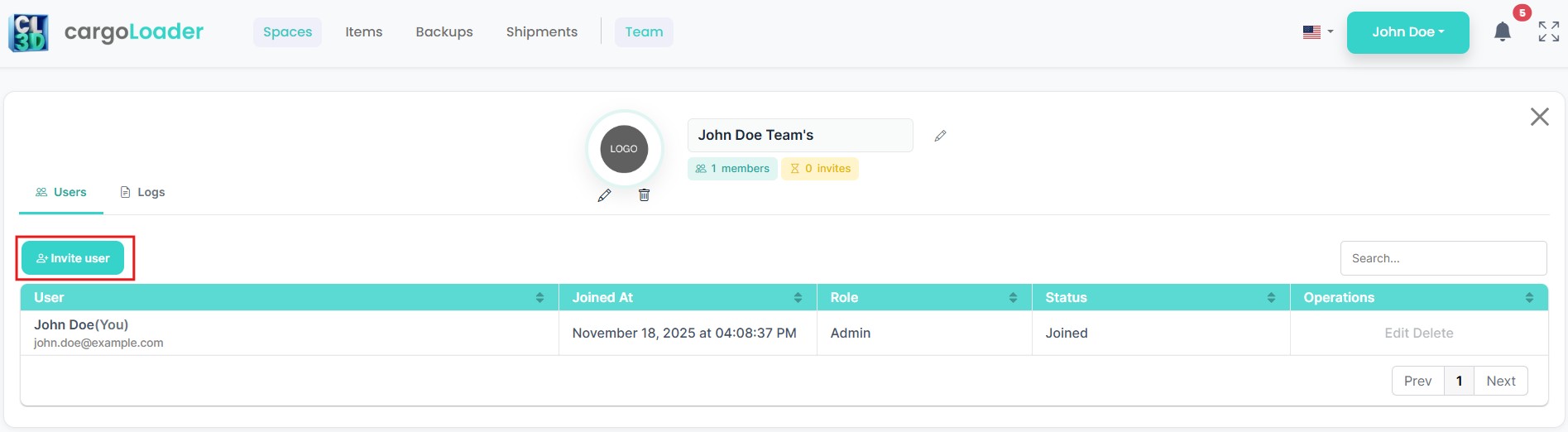
To invite a new user to the team, click the Invite User button located above the members table.
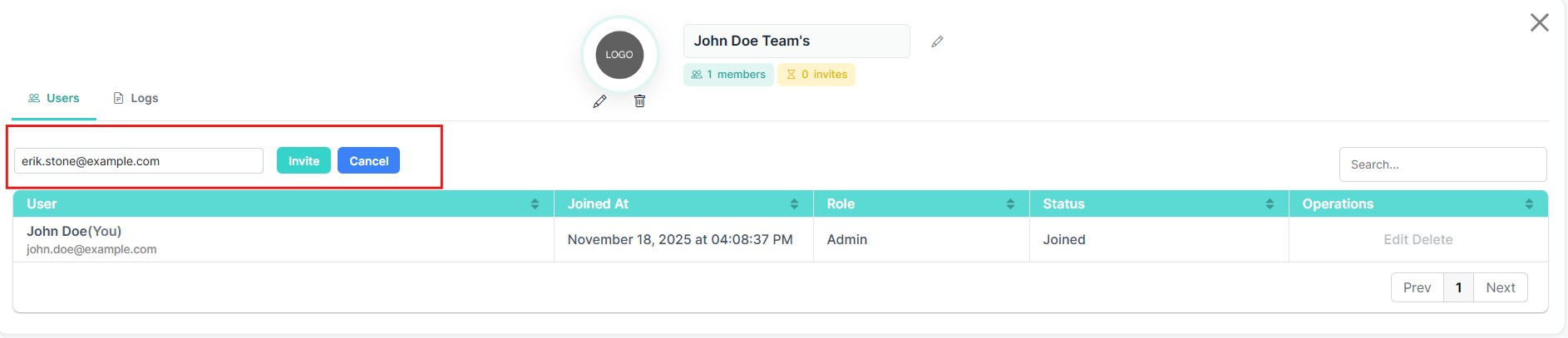
After clicking the button, an input field will appear where you can enter the user's email address.Enter the email address and click Invite to send the invitation
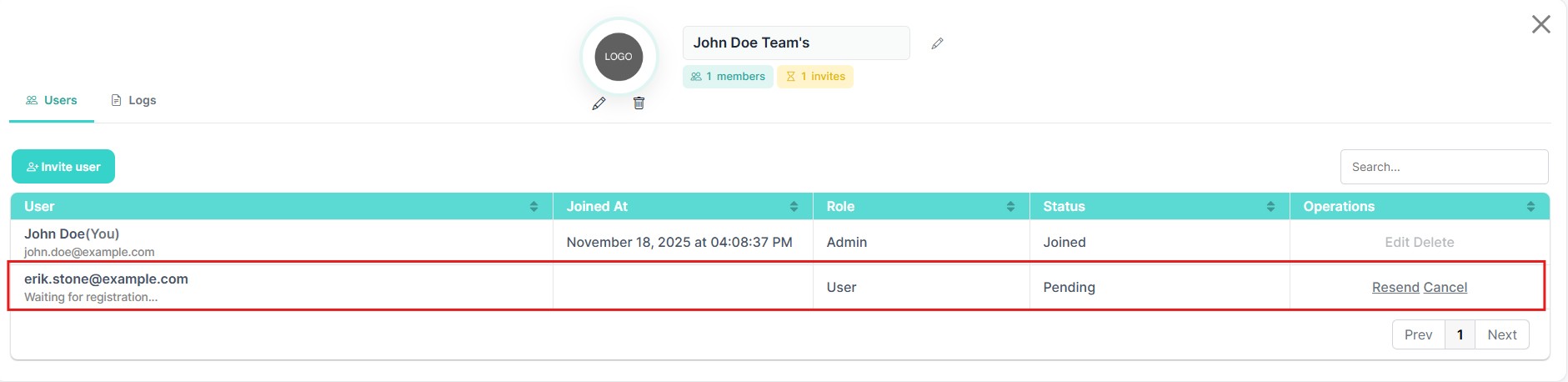
After sending an invitation, the invited user will appear in the list with a Pending status.This indicates that the invitation has been sent but has not yet been accepted.
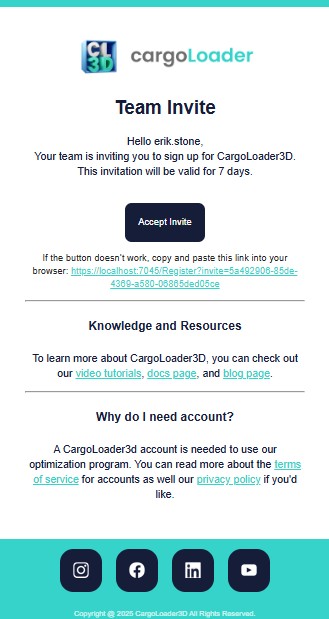
When a user receives an invitation, an email is sent containing the invitation details.The email includes a button labeled Accept Invite.By clicking this button, the invited user can complete the registration process and join the team.
Once the invited user completes registration, their status changes from Pending to Joined.At this point, the user becomes an active member of the team.
Administrators can manage members using the following actions:
- Edit – modify the user role
- Delete – remove the user from the team