Registration and Login
Registration
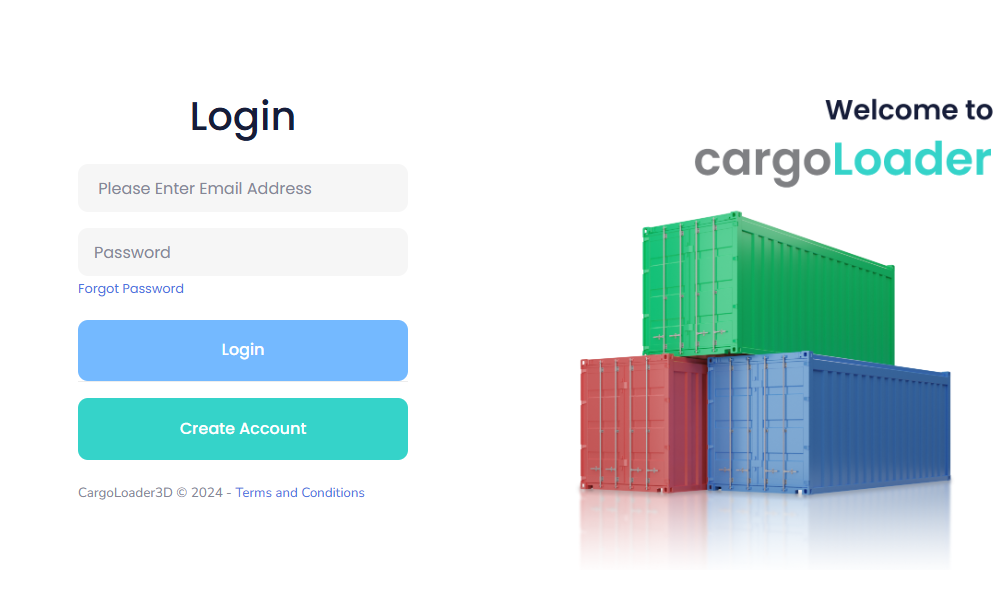
If you have been redirected to the login screen via the "Log In" button on the CargoLoader3D website, you can access the registration page by clicking the "Create Account" button. This action will automatically redirect you to the registration screen.
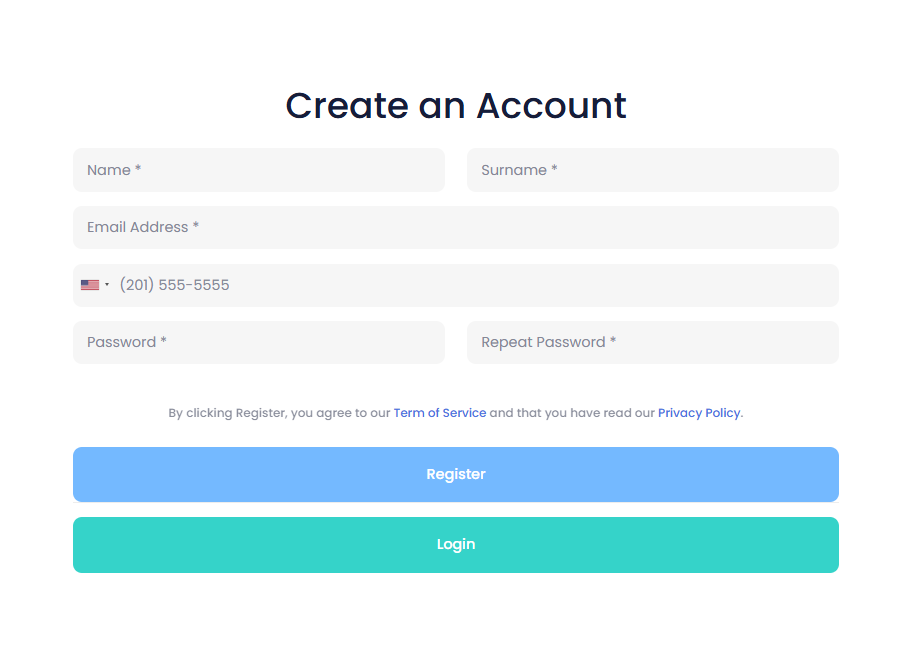
After filling in your information and clicking the "Register" button, you will be automatically redirected to the Email Verification page. An email has been sent to the address you provided during registration in order to verify your account. Please note that the verification email may take a few minutes to arrive and might be delivered to your spam or junk folder.

If you do not receive the email after a reasonable amount of time, you can click the "Resend Verification Email" button to request a new verification email.
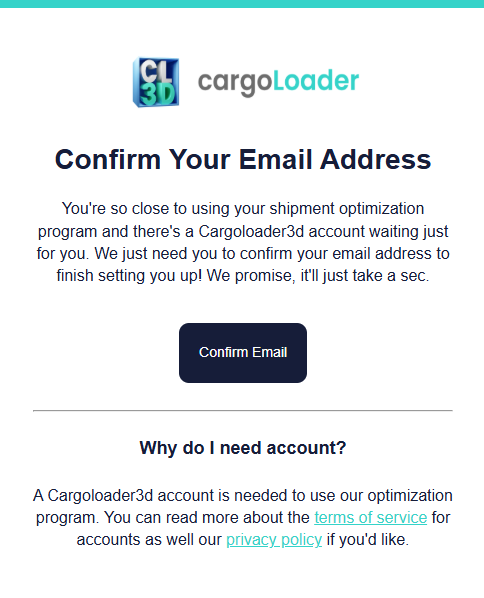
Once you receive the verification email, simply click the "Confirm Email" button included in the message. Your account will then be successfully verified, and you will be automatically redirected to https://app.cargoloader3d.com/.
Log In
If you have previously registered, you can access the application by entering your email and password on the Log In screen and clicking the "Login" button.